


Format your USB memories or very easily
When we want to format an external storage device using a USB connection, Windows only offers us the assistant included in the operating system, and that assistant sometimes limits our possibilities when we want to format an external drive or flash memory.
Format your USB units
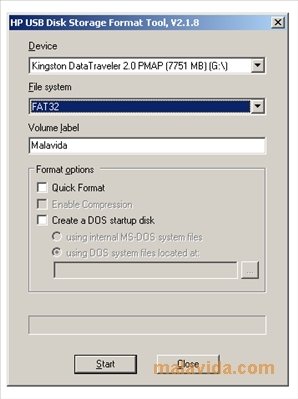
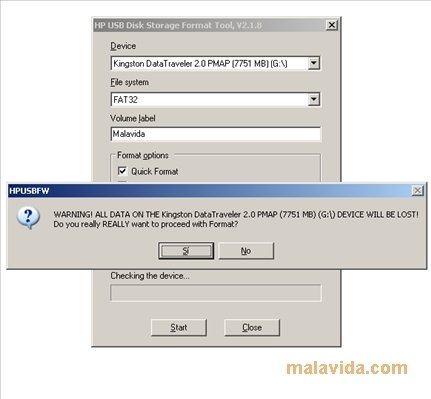
The HP USB Disk Storage Format Tool in an application, that even though it has a graphical interface very similar to that of the Windows formatting tool, it offers us a lot more options. We will be able to give a device a FAT32 (even for drives with more than 32 gigabytes) or NTFS format, create an MS-DOS booting device (as if it were an old floppy disk) or use the quick format function.
Prepare your external USB units to your own liking, without having to put up with the limitations imposed by Windows, prepare your pendrive to be an emergency booting device and make your external hard drive FAT32 compatible.
Download the HP USB Disk Storage Format Tool and you'll have an assistant at your disposal to help you with the preparation of external drives.
 Antony Peel
A Telecommunications Engineer, chance led me to the translation industry, where after a few years, I discovered another side of the world of technology while translating what others were writing about mobile applications and software. That...